Upgrade Instructions
This page contains general upgrade instructions for Modo plugins provided by DigitalExpressions Sweden.

This page contains general upgrade instructions for Modo plugins provided by DigitalExpressions Sweden.
There are two ways to start the upgrade...
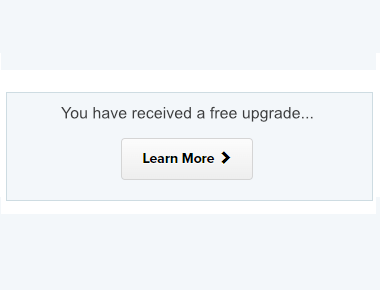
When clicking any of the links referred to above you will see your unique download page. Below the downloads you will find a message about your free upgrade. Click the button "Learn More".
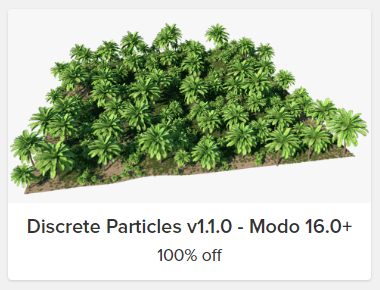
After clicking the "Learn More" button you should see the upgrade badge. Click it!
As a security measure, we might prompt you to provide the email address which you used for the purchase. A confirmation link is then sent to you and which when clicked will apply the upgrade discount for your upgrade.
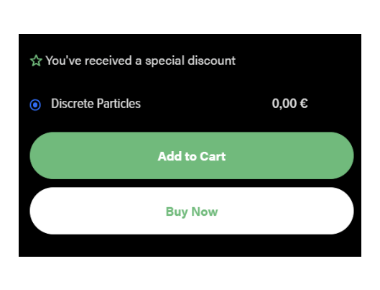
You should now see the check out page for the product with upgrade discount applied. Click buy now and you are done.
If you run into trouble, don't hesitate to contact our support.